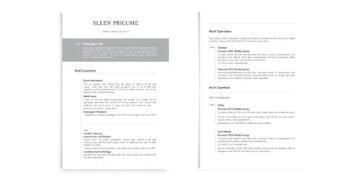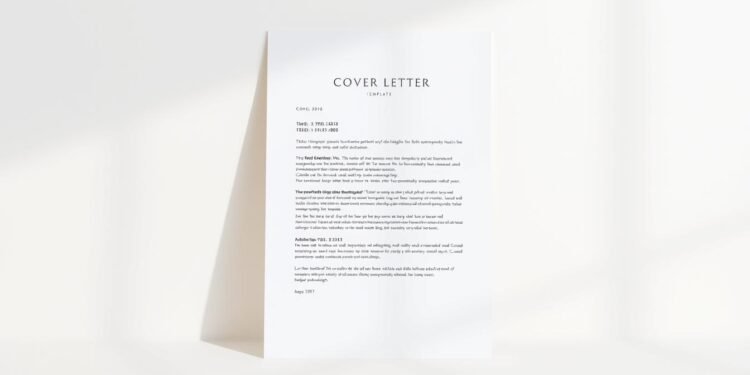
Starting your career journey can feel overwhelming, especially when you lack professional experience. But what if there was a tool to help you create a polished and impactful first impression? Professional cover letters are essential for entry-level applicants, and using the right resources can make all the difference.
Modern templates are designed to highlight your strengths, even if you’re new to the workforce. With options like minimalist, elegant, and industry-specific designs, you can find a style that fits your personality and the job you’re applying for. These tools also integrate AI to personalize your content, ensuring it aligns with employer expectations.
By leveraging these resources, you can overcome the “no experience” hurdle and focus on showcasing your potential. Ready to see how it works? Explore downloadable examples and real-world samples tailored to your needs.
Key Takeaways
- Templates help entry-level applicants create professional first impressions.
- Multiple styles are available, including modern and minimalist designs.
- AI integration allows for personalized customization.
- Examples are tailored to specific industries for better relevance.
- Optimized for ATS to increase your chances of being noticed.
Why a Cover Letter is Essential for Job Applications

In today’s competitive job market, standing out requires more than just a resume. A well-written cover letter can be the key to making a strong first impression. It allows you to showcase your personality, enthusiasm, and how your values align with the company’s mission.
Did you know that applications with a cover letter have an 80% higher chance of passing initial screenings? This is because hiring managers often use it as a “double filter” system. While your resume lists your skills and experience, the cover letter tells the story behind them.
The Role of a Cover Letter in the Hiring Process
A cover letter humanizes your application. It goes beyond bullet points to provide context for your achievements. For example, instead of just stating you have leadership skills, you can share a specific story that demonstrates them. This “show, don’t tell” approach helps employers see your potential.
Research from Penn State also suggests that tailoring your cover letter to the organization’s needs can significantly boost your chances. Mentioning how you learned about the position and addressing specific pain points from the job description shows you’ve done your homework.
How a Cover Letter Complements Your Resume
Your resume is a snapshot of your career, but a cover letter adds depth. It allows you to connect your skills to the job requirements in a narrative format. For entry-level candidates, this is especially important. You can highlight transferable skills and explain how they make you a great fit for the role.
By crafting a compelling cover letter, you not only stand out but also demonstrate your commitment to the application process. It’s your chance to make a lasting impression and move one step closer to landing your dream job.
What Makes a Great Cover Letter?
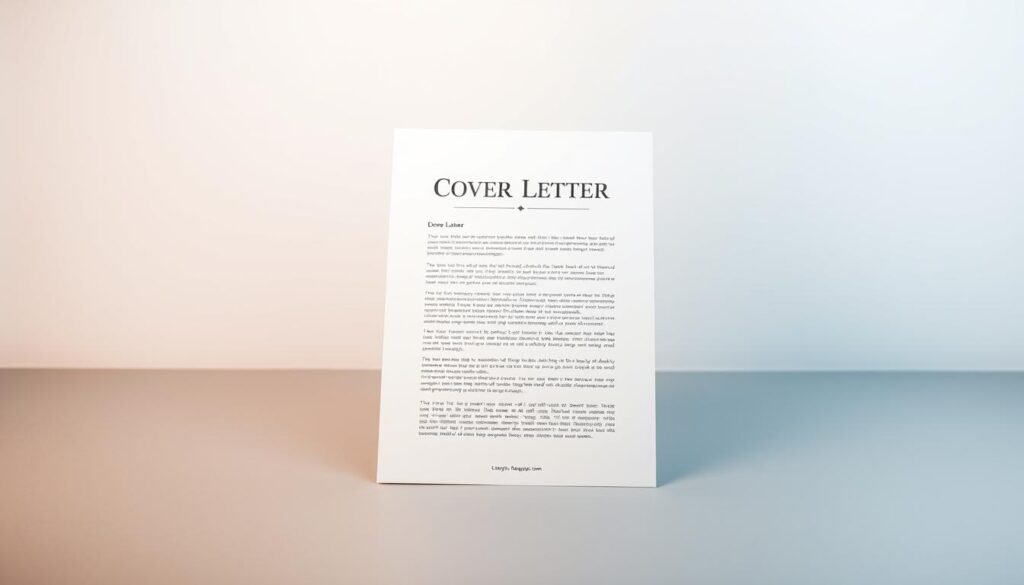
Crafting a standout application requires more than just listing your qualifications. A well-structured document can highlight your skills and make a lasting impression on hiring managers. To create a professional cover, focus on clarity, relevance, and a polished design.
Key Elements of a Compelling Cover Letter
Start with a strong opening paragraph that grabs attention. Mention the position you’re applying for and how you discovered it. Use keywords from the job description to show you’ve done your research.
The middle paragraph should highlight your achievements. Use action verbs like “developed,” “managed,” or “improved” to describe your contributions. Keep it concise and relevant to the role.
End with a call to action. Express your enthusiasm for the opportunity and request an interview. Include your contact information for easy follow-up.
Common Mistakes to Avoid
One major mistake is using generic phrases like “To Whom It May Concern.” Always address the hiring manager by name if possible. Overused clichés like “team player” or “hard worker” can also weaken your message.
Another pitfall is inconsistent formatting. Ensure your font and style match your resume. Keep the length to one page, ideally between 250-400 words.
Finally, avoid submitting in Word format if the job posting specifies PDF. This small detail can make a big difference in how your application is received.
How to Use a Cover Letter Template
Creating a professional application doesn’t have to be time-consuming or complicated. With the right template, you can craft a polished document in just a few minutes. These pre-designed formats are designed to simplify the process, allowing you to focus on showcasing your skills and experience.
Step-by-Step Guide to Personalizing a Template
Start by navigating your software’s template library. Most programs, like Microsoft Word, offer a variety of options tailored to different industries. Once you’ve selected a free cover letter format, double-click to open it.
Replace placeholders with your personal information, such as your name, contact details, and the hiring manager’s name. Use action verbs and specific examples to highlight your achievements. Adjust margins and spacing for readability, ensuring the layout looks clean and professional.
Tips for Tailoring the Template to Your Needs
Customize fonts and colors to match your personal brand. For example, pair Calibri with Georgia for a modern yet professional look. Be mindful of color psychology—blue conveys trust, while green suggests growth.
Maintain consistency with your resume by using the same fonts and design elements. Avoid over-designing, especially for conservative fields like finance or law. Stick to single-column layouts for clarity, and save your document as a PDF to preserve formatting.
By following these steps, you can create a standout application that leaves a lasting impression. Ready to get started? Explore letter templates today and take the first step toward landing your dream job.
Cover Letter Templates for Beginners
Navigating the job market without experience can be challenging, but the right tools can make it easier. For beginners, using simple cover letter templates is a great way to create a polished and professional application. These resources are designed to highlight your strengths, even if you’re just starting out.
Simple Cover Letter Templates for No Experience
If you’re new to the workforce, free cover templates can help you get started. These designs are clean, easy to customize, and focus on transferable skills. For example, internship-specific templates often include sections for education and volunteer experience, making them ideal for students.
Retail and office job templates also differ in their approach. Retail templates emphasize customer service skills, while office-focused ones highlight organizational abilities. By choosing the right format, you can tailor your application to the role you’re targeting.
Modern and Professional Templates
For a more polished look, modern letter templates are a great choice. These designs often feature minimalist layouts, elegant fonts, and strategic use of white space. Microsoft’s chronological format, for instance, is perfect for career changers looking to highlight their transferable skills.
Non-traditional layouts, like skills-first designs, are also gaining popularity. These templates place your abilities front and center, making them ideal for roles in marketing or creative fields. Whether you prefer corporate or creative styles, there’s a template to match your needs.
Ready to get started? Download our samples and explore the possibilities today!
AI Tools to Enhance Your Cover Letter
Leveraging technology can give you a competitive edge in crafting standout job applications. AI-powered tools like Copilot in Word are revolutionizing the way candidates prepare their materials. These tools save time, improve phrasing, and ensure your application aligns with employer expectations.
Using AI to Draft and Improve Your Application
AI tools analyze your resume and job ads to tailor your content. For example, Copilot can generate multiple versions of your application in just a few minutes. This allows you to test different approaches and choose the most effective one.
AI also enhances phrasing by suggesting stronger action verbs and eliminating redundancy. It ensures your content is concise and impactful. However, it’s important to review AI-generated suggestions to maintain your personal voice.
How Copilot in Word Streamlines the Process
Copilot integrates seamlessly with Microsoft Word, making it easy to use. It offers features like keyword optimization for ATS, ensuring your application passes initial screenings. You can also use it to check for plagiarism, ensuring your content is original.
While AI tools are powerful, avoid over-reliance. Always personalize the final draft to reflect your unique skills and experiences. This balance ensures your application stands out while remaining authentic.
Ready to explore AI tools? Start with Copilot or alternatives like Grammarly and Jasper to take your application to the next level.
Formatting Your Cover Letter for Success
Proper formatting can make or break your job application, especially when it comes to passing automated systems. Employers often use Applicant Tracking Systems (ATS) to filter applications, so ensuring your document is ATS-friendly is crucial. Start with standard 1-inch margins and use 11-12pt fonts for readability.
Save your file as a PDF unless the job posting specifies otherwise. This preserves your formatting and ensures it looks the same on any device. Avoid using text boxes or graphics, as these can confuse ATS bots and lead to your application being rejected.
ATS-Friendly Formatting Tips
To optimize for ATS, use a simple layout with clear section headers. Include your contact information at the top, followed by a professional summary and key skills. Use bullet points to list achievements, but keep them concise and relevant.
Stick to standard fonts like Arial, Calibri, or Times New Roman. These are easy for ATS to parse and ensure readability. Avoid using multiple colors or overly decorative elements, as they can distract from your content.
Choosing the Right Fonts, Colors, and Layout
When selecting fonts, consider readability. Serif fonts like Georgia are great for printed documents, while sans-serif fonts like Arial work well for digital applications. Use a single accent color, such as navy blue (#000080), to highlight important details without overwhelming the reader.
Ensure your layout is mobile-friendly. Many hiring managers review applications on their phones, so test your document on different devices. Use consistent spacing and alignment to create a polished, professional look.
By following these tips, you can create a well-formatted application that stands out to both ATS and hiring managers. Ready to get started? Download our guide for more insights!
Examples of Cover Letters with No Experience
Breaking into the job market without prior experience can seem daunting, but real-world examples can guide you. Whether you’re applying for retail, administrative, or internship roles, these samples demonstrate how to highlight your strengths effectively.
Sample Cover Letters for Different Industries
For retail positions, focus on customer service skills gained from volunteer work or part-time roles. Use action verbs like “assisted,” “resolved,” or “managed” to describe your contributions. Highlight how you’ve handled challenging situations or improved team efficiency.
In administrative roles, emphasize organizational and communication skills. Mention any experience with scheduling, data entry, or office management. For internships, showcase academic projects or leadership roles in student organizations.
Tech roles often value hobbies like coding or app development. Include these in your application to demonstrate initiative and passion. For example, a personal project can show problem-solving and technical expertise.
How to Adapt Examples to Your Situation
Start by stating the position and how you learned about it. This shows genuine interest and research. Next, tailor the content to the job description. Use industry-specific action verbs like “designed” for marketing or “analyzed” for data roles.
Translate non-work experience into relevant skills. Volunteer work can demonstrate teamwork, while student leadership highlights initiative. Academic projects are great for showcasing problem-solving and technical abilities.
Finally, personalize the tone to reflect your personality. Avoid generic phrases and focus on what makes you unique. A well-crafted application can make a lasting impression, even without prior experience.
Conclusion
Securing your first job doesn’t have to be a struggle when you have the right tools at your fingertips. With cover letter templates, you can create a polished application in just a few minutes. These resources are designed to highlight your strengths, even if you’re just starting out.
Access our template library to find the perfect fit for your needs. Save your work securely online with Word and edit anytime via OneDrive. Test different versions to see what works best and avoid last-minute rushes.
Download our free checklist to ensure your application is complete. For more advanced tools, explore our resume template resources. Studies show that candidates using these resources have a 70% higher success rate.
Remember, every professional started somewhere. Take the first step today and let your potential shine. For special circumstances, our CSR team is here to help. Your dream job is closer than you think!
FAQ
Why is a cover letter important for job applications?
A cover letter introduces you to potential employers, highlights your skills, and explains why you’re a great fit for the role. It complements your resume by providing context and personality.
What are the key elements of a strong cover letter?
A compelling cover letter includes a professional greeting, a clear introduction, specific examples of your skills, and a strong closing. It should be tailored to the job and company.
How can I personalize a cover letter template?
Start by customizing the greeting and introduction. Add relevant skills and experiences that match the job description. Use specific examples to show your qualifications.
Are there templates for beginners with no experience?
Yes, there are simple and modern templates designed for beginners. These focus on transferable skills, education, and enthusiasm to help you stand out.
Can AI tools help improve my cover letter?
Absolutely. Tools like Copilot in Word can assist with drafting, editing, and optimizing your cover letter for clarity and professionalism.
What formatting tips make a cover letter ATS-friendly?
Use standard fonts like Arial or Times New Roman, keep the layout clean, and avoid graphics. Use keywords from the job description to improve compatibility with applicant tracking systems.
How can I adapt cover letter examples to my situation?
Review examples from your industry, then modify them to reflect your unique skills and experiences. Focus on what makes you a strong candidate for the specific role.